
Searching Cases by Name
Start with the court, not the name alone. Coweta State Court lists two public routes for a party search. One is Search by Party. The other is Search by Associated Party. The county disclaimer also tells searchers to try spelling variations. Both labels appear on the official case-management page, but on 2026-08-20 the live route was not a dependable form. Treat it as intended functionality. Then confirm any result with the clerk when it fails to load.
Gather the details before you search. Note the court and the party role. Add any case number you have, the filing or hearing date, and alternate spellings of the name. If the state route responds, use only the fields it actually shows. If it stalls, call the clerk instead of inventing filters for dates, offenses, or identity. A no-result message proves nothing. A case may still exist in the Coweta County court docket.
- Open the official Coweta case-management route and read the disclaimer before selecting a search path.
- Choose the intended Party or Associated Party route and enter the name as it appears in the case materials.
- Compare the court, case type, party role, and filing information in any returned row. Do not merge a municipal result with a State Court result.
- Save the result source and the date checked. A calendar or provider screen may be newer or older than another court record.
- If the route fails, give the State Court or Superior Court clerk the court, name, number, and date details needed to locate the right file.
| Field Label | Type | Required | Options or Format Notes |
|---|---|---|---|
| Party | Intended route | Not observed | Route name appears in the official HTML; no live field was captured. |
| Associated Party | Intended route | Not observed | Separate intended route; the inspection did not expose its form fields. |
| Case Number | Intended route | Not observed | Route name appears in the official HTML; do not infer other filters. |
Coweta State Search Access Gap
The county's Case Management Search/Copies page names the official State Court route. That route serves docket inquiries and copies. It shows where the county directs readers. It cannot promise every linked screen works at a given moment. The county's Court Services description likewise keeps the official docket separate from provider filing pages. Together they map the intended local route for a Coweta County case search.
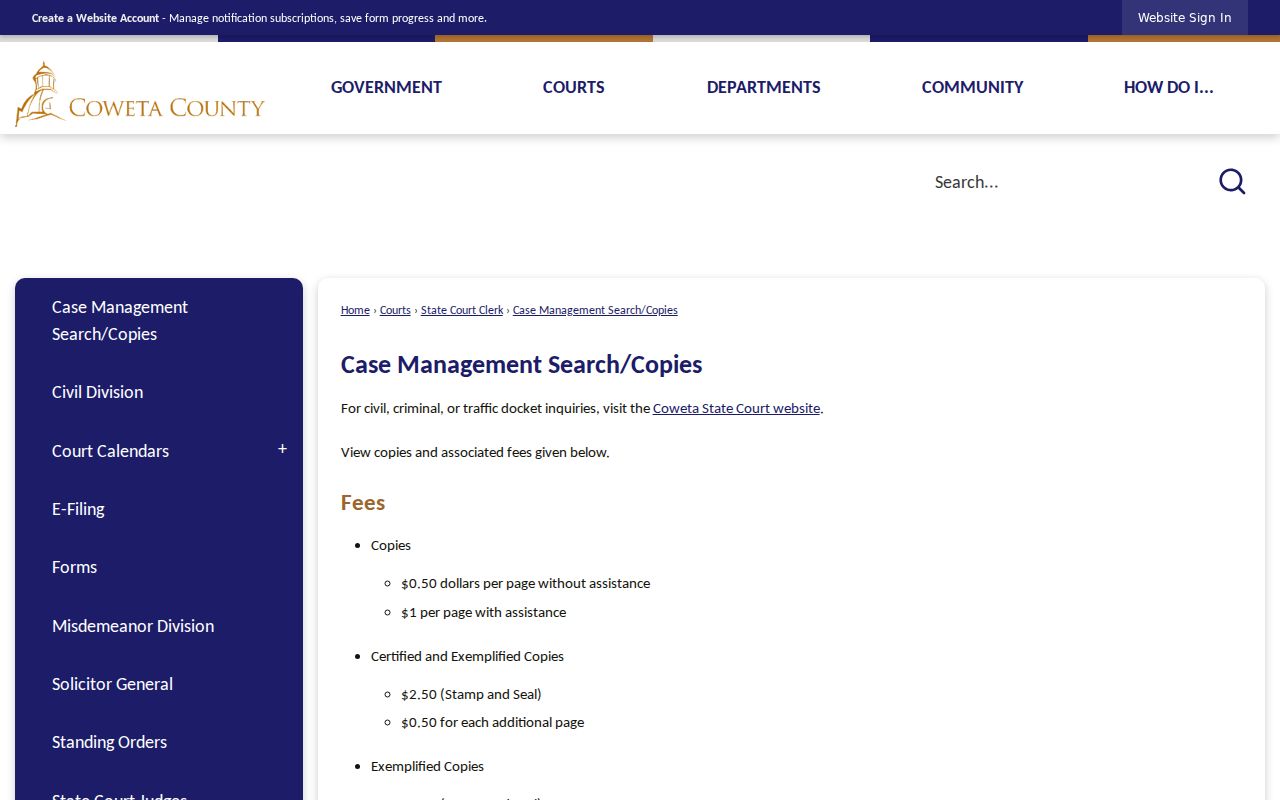
When the portal fails, the clerk's office is the fallback. Coweta State Court questions go to the State Court Clerk. Superior matters belong with the Superior Clerk and Court Services. A clerk can confirm the right custodian and access channel. The office cannot supply legal counsel. It cannot conjure a result the portal hides.
The Coweta State Court disclaimer still loads even when the direct routes misbehave. Its SearchByParty, SearchByAParty, and SearchByCaseNumber paths can redirect. They can also throw errors. That is a technical gap, plain and simple. It says nothing about whether a case is sealed, restricted, closed, or absent.
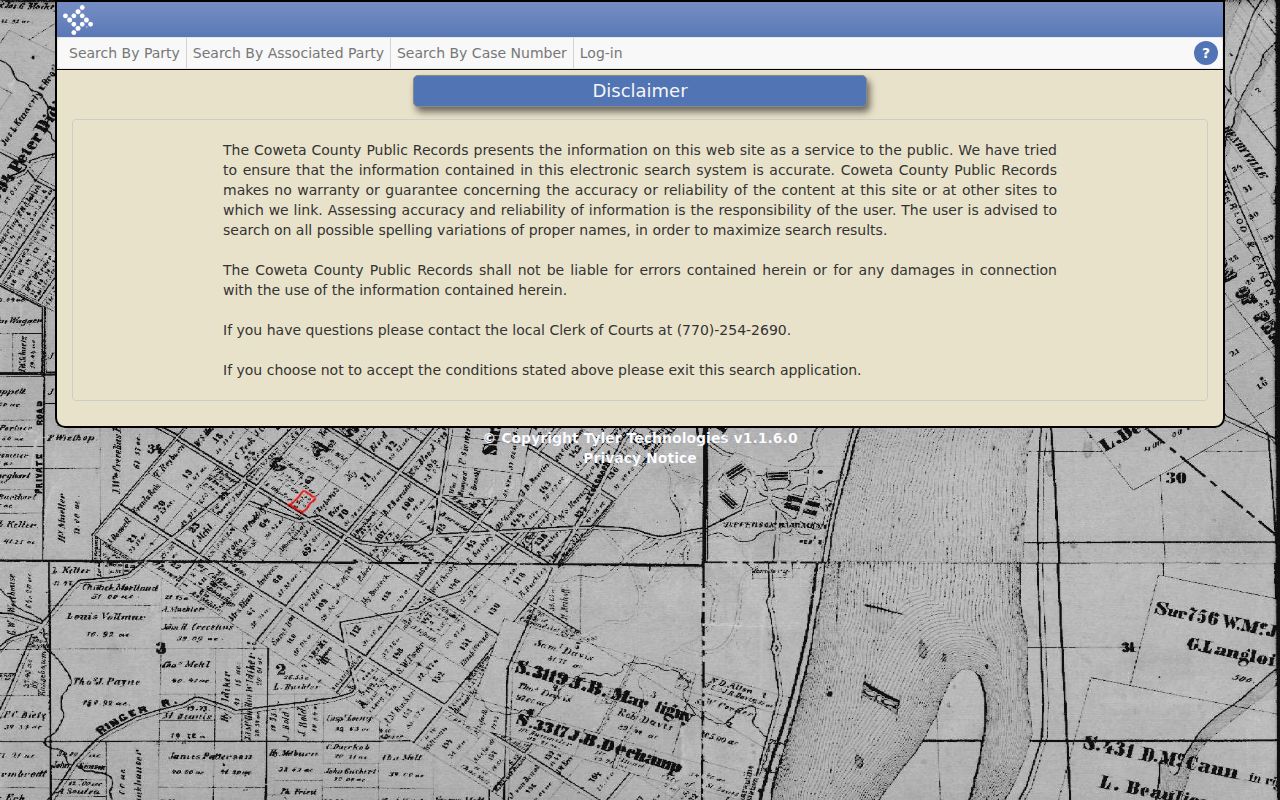
Date any failed route by its source, not by rumor. A clerk update, repaired link, or new provider instruction can change the access path while the court and custodian stay the same.
Searching by Case Number
A case number is the safest search key when it is known and copied exactly. An inspected Coweta Superior calendar used the sample 2025-SU-V-6-CJB. It is a safe local example of the form shown in a public calendar, not a code to reverse-engineer. The year, letter groups, sequence, and suffix should be treated as a court-assigned identifier unless the clerk confirms what a segment means.
Coweta State Court's intended case-number route was visible by name, but no live field set was captured during the 2026-08-20 inspection. A State or Superior calendar number also is not the same thing as a municipal citation number or a federal PACER case number. Enter the exact number in the correct court system, then compare the court, parties, and setting before relying on the match.
If the number is incomplete, preserve every visible character and ask the relevant clerk to confirm the missing part. Guessing a series or changing a letter can point to a different file. When no number is available, a party search may be intended, but the same access-gap caution applies.
Coweta Case Numbers Without Guesswork
Coweta calendars wrap a case number in several labels. A report or item number can mark a position on a printed calendar. It is not always a separate case. A cause or offense line gives a short description. It is not the full legal file. Reading the labels together keeps a search result, a setting, and a filed document distinct.
The local terms here come from Coweta calendar samples and standing orders. They describe what a field can mean. They never say what any person did or how a case must end.
- Case number
- The court-assigned identifier used to connect filings, settings, events, and orders.
- Report
- A calendar report number that groups a listed setting or printed report.
- Item
- The position of a matter on a calendar report; several items can appear under one report.
- Cause
- A short civil case-description field, not a complete statement of the pleadings.
- Filing date
- The date a filing entered the case record, which may differ from service or hearing dates.
- Remarks
- Scheduling, import, continuance, or other court and clerk notes attached to a listed matter.
What a Case Search Returns
A search result is usually an index or docket view. It is not a complete copy of every pleading, order, exhibit, or certified record. Coweta calendar samples show report, case number, party role, filing date, remarks, and setting information. These fields sit side by side. How much detail appears depends on several things. The court, the system, and the access level all matter. So does any restriction on the file.
| Case Number | A court-assigned identifier, such as the safe local sample 2025-SU-V-6-CJB; do not infer its coding. |
|---|---|
| Court | The State, Superior, municipal, or other court connected to the result. |
| Party Roles | Caption or role labels such as plaintiff and defendant when the accessible view shows them. |
| Filings and Events | Docket entries, motions, orders, pleadings, or other events that the chosen access channel exposes. |
| Settings | A calendar date, time, judge, location, report, item, or setting type when published. |
| Disposition and Status | A public status or disposition entry when present; a charge or offense field is not itself a conviction. |
| Source and As-of Date | The portal, clerk, calendar, or provider checked and the date on which the information was viewed. |
When an event seems missing, compare the newest official calendar or order against the case-management result. A status calendar, an imported filing note, or an old PDF may each describe only one slice of the record. The complete file stays with the court or clerk that maintains it.
Coweta Provider Accounts and Public Dockets
Georgia splits Coweta County's two main courts between providers. The Georgia Courts eAccess provider map sends Coweta State Court dockets to Tyler ResearchGA and Coweta Superior Court dockets to PeachCourt. Think of it as a routing layer. It points each court to its system rather than offering one statewide docket search form. A provider account is a separate thing from the public county register, too.
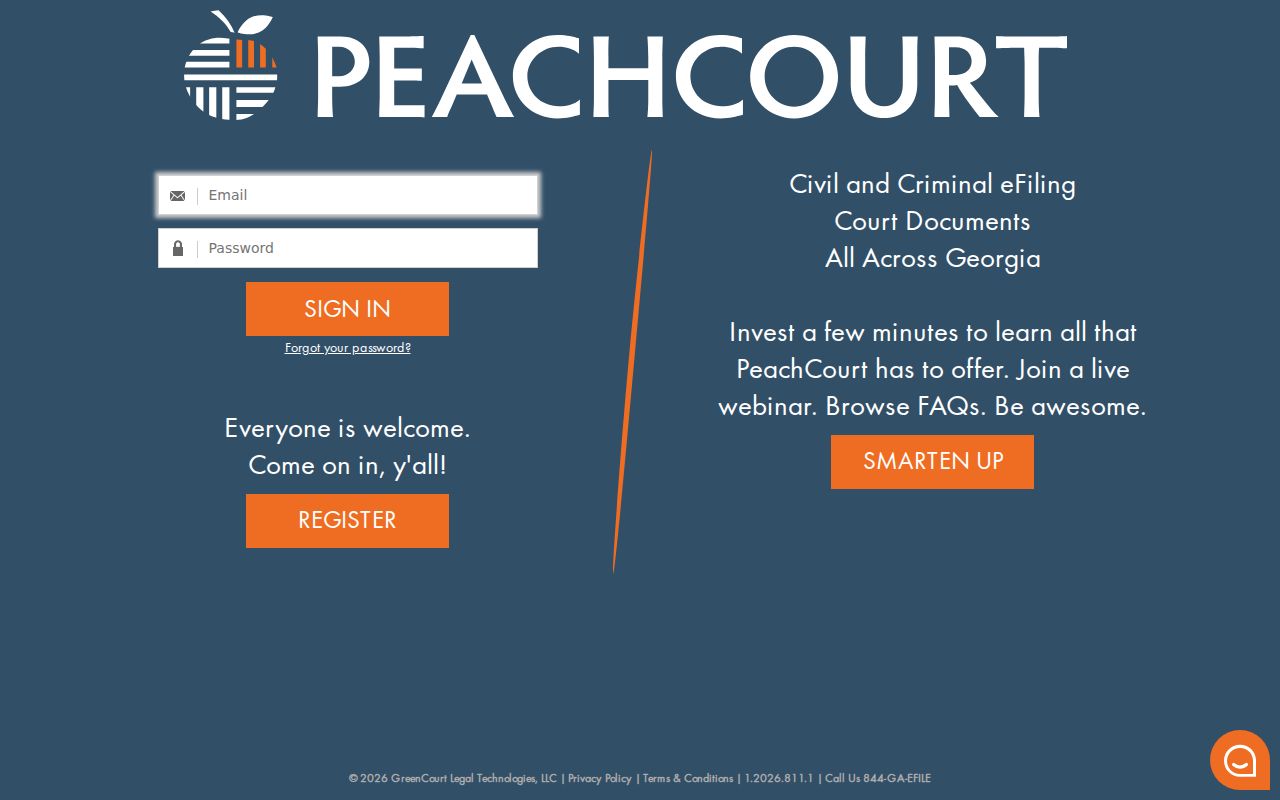
The PeachCourt access screen makes the distinction plain. You see email, password, Forgot password, and Register controls. No case fields appear without logging in. So Superior Court access through this provider is an account gate, not a free public search that has already returned a case.
The PeachCourt login page shows that gate itself, not a public case detail screen.
The Tyler route for State Court leads to the official provider address. It can return an access-denial response instead of case results. That says something about the provider's availability. It says nothing about your particular Coweta case. It also stops anyone from promising a live statewide form that does not exist.
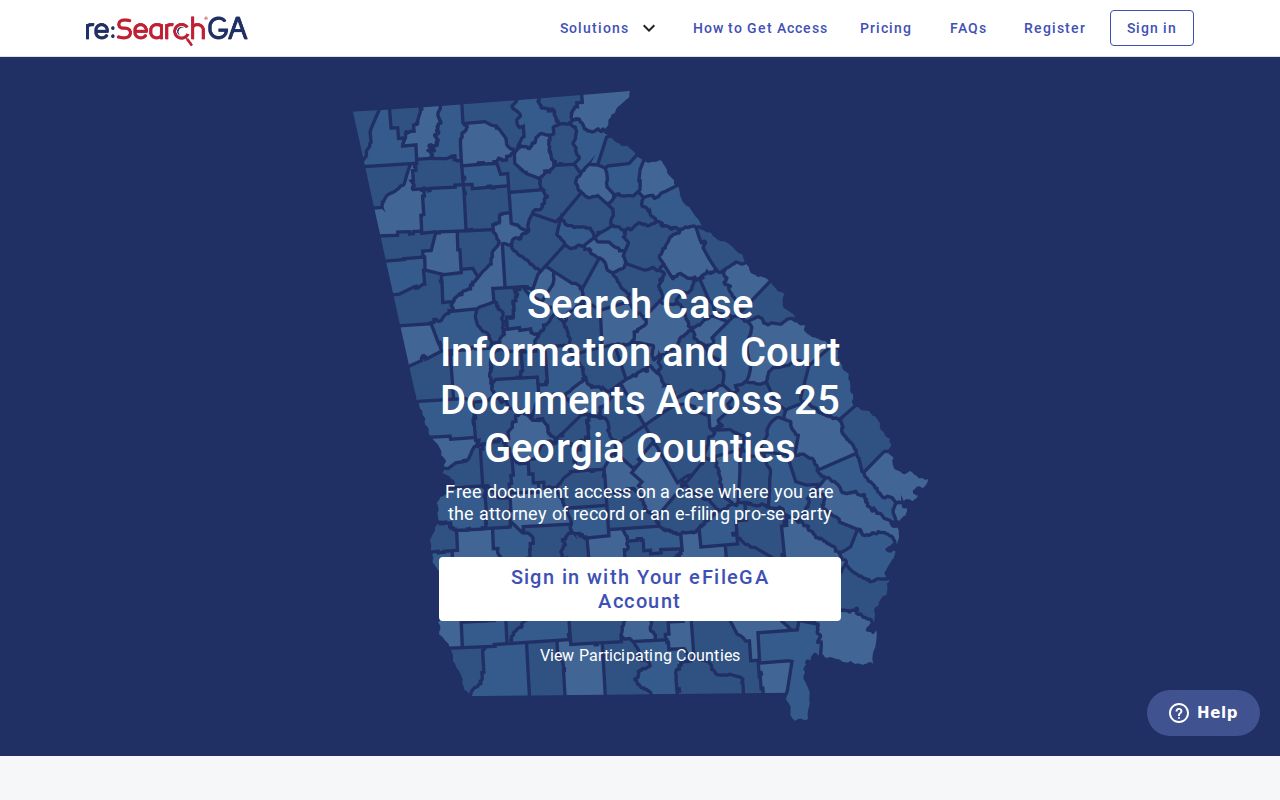
When a provider demands an account or fails to load, back up and use the court-specific clerk and provider map for Coweta County. A login screen, an e-file landing page, or an error page is not a completed docket search. Treat it as a road sign, not a destination.
Statewide vs County Case Search
No single Georgia portal replaces every county court and provider. The official map sends different Coweta branches to different systems, and the local Case Management route has its own access gap. So a cross-county search has to weigh court class, provider, account requirements, and the source date before it means anything.
| Search Layer | What It Covers | Access and Limits | Best Use |
|---|---|---|---|
| Coweta State Court Case Management | State Court civil, criminal, and traffic inquiries | Official intended route; direct party and case-number paths were unavailable during inspection | Start for a known State Court matter, then use the clerk fallback |
| Georgia eAccess provider map | Routing by participating court and provider | Not a single case register; Coweta State maps to Tyler and Superior maps to PeachCourt | Identify the provider branch before creating an account |
| PeachCourt or Tyler ResearchGA | Provider-specific Superior or State access | PeachCourt required account access; Tyler returned a 403 during inspection | Follow the mapped provider when the court directs that route |
| Federal PACER | U.S. District and Bankruptcy dockets | Separate federal account and fee rules; not a Coweta county search | Search a federal Newnan matter by federal court context |
A statewide map tells you where to go. It cannot make one provider responsible for every Coweta court. Once you move past an index to an actual filing, order, or authenticated copy, the Coweta court records process shows the next custodian and the right request path.
Coweta Federal Cases in PACER
The federal courthouse in Newnan hears cases for two courts. One is the U.S. District Court for the Northern District of Georgia. The other is the U.S. Bankruptcy Court for the Northern District of Georgia. Those are federal dockets even though the building sits in Coweta County. The Northern District of Georgia supplies the court context. PACER is the public search and document route.
The official PACER service lists its fees plainly. Pages cost $0.10 each, with a $3 cap on most case-specific docket or document items. Any quarterly total of $30 or less is waived. Opinions are free, and courthouse public terminals offer free access. The official fee page, dated 2026-08-20, also announced a temporary fee change. It begins January 1, 2027.
That federal search and fee picture has no place in a county case-management result.
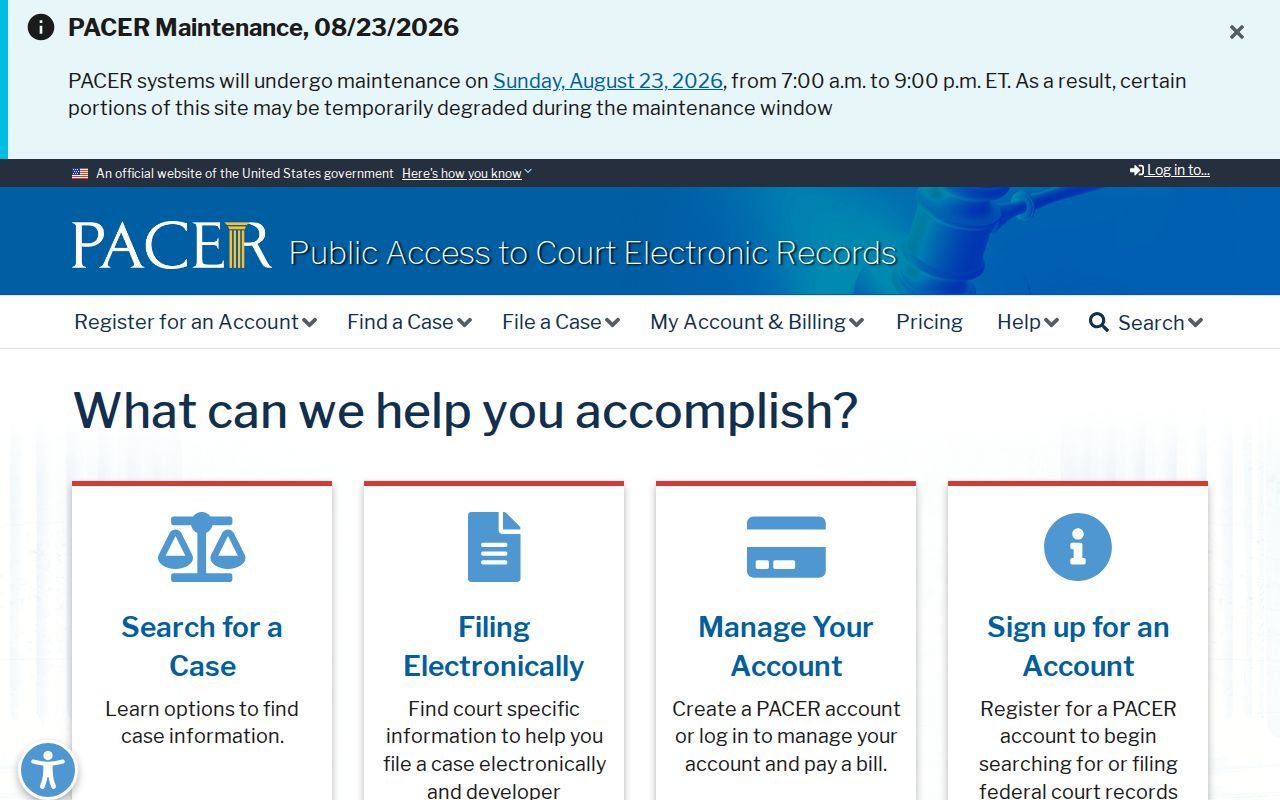
CM/ECF handles federal filing. PACER is the public access channel. The two work together, but sealed federal documents stay out of public reach in PACER. A federal filing, a bankruptcy case, and a Coweta State or Superior case each need their own search and their own access rules.
What to Give a Coweta Clerk
When a route is down or a result is unclear, skip the screen. Call the office that keeps the file. Give the clerk the court name, the case or citation number if known, and the party name and role. Add an approximate filing or hearing date. Mention where you saw the information. Ask whether the matter sits with State, Superior, municipal, Magistrate, Juvenile, Probate, or federal custody.
The State Court Clerk handles State Court civil, criminal, and traffic proceedings, monies, calendars, and docket inquiries. The office lists Sheila W. Echols, 770-254-2699, at the Justice Center during Monday through Friday public hours. For Superior Court, the Superior Court Clerk lists Niki Sewell at 770-254-2690. Court Services sits at 770-254-2695. The office covers Superior civil and criminal filings, calendars, and case services.
Clerk staff can tell you where a public record lives, whether copies are available, and which calendar or order is current. They cannot hand you legal strategy. If a route returns a 404 or 403, note that technical fact and ask for the official alternative instead of assuming the case is sealed.
Access and Restricted Cases
Ordinary Georgia Superior Court records start from a presumption of public access. Law or a specific order can limit it. Uniform Superior Court Rule 21 covers four things. It sets out public access, notice, hearing, and the findings required to seal or limit a record. A privacy request does not, by itself, prove a file is sealed. Nor does a portal's empty result.
Record restrictions under O.C.G.A. section 35-3-37 cover certain criminal-history access. They do not wipe every related court file from every official system. Juvenile delinquency, dependency, and similar matters follow Article 9 confidentiality rules. So the Coweta Juvenile Court route is not an open adult name search. JDEX serves authorized users rather than the general public. Federal sealed documents carry their own PACER limits.
Access check: A 403, 404, redirect, or provider login describes the condition of a route at the time checked. It does not establish a seal, restriction, disposition, or absence of a Coweta case. Confirm the legal access status with the court or clerk that maintains the record.
Hit a restricted result? Write down the exact court and case first. Then ask the clerk which authority and channel applies, and use only that authorized process. Never copy protected identifiers, juvenile details, or sealed documents into a public record request or example.